Members
The "My Tennis Club" project has no members: 127.0.0.1:8000/.
That is because we have created a brand new database, and it is empty.
The old SQLite database contained 5 members, so let us dive into the admin interface and add the same 5 members.
But first we have to create a new superuser.
Create superuser
Since we now have a new database, we have to create the superuser once again:
This is done by typing this command in the command view:
python manage.py createsuperuser
Which will give this prompt:
Username:
Here you must enter: username, e-mail address, (you can just pick a fake e-mail address), and password:
Username: johndoe
Email address: johndoe@dummymail.com
Password:
Password (again):
This password is too short. It must contain at least 8 characters.
This password is too common.
This password is entirely numeric.
Bypass password validation and create user anyway? [y/N]:
My password did not meet the criteria, but this is a test environment, and I choose to create user anyway, by enter y:
Bypass password validation and create user anyway? [y/N]: y
If you press [Enter], you should have successfully created a user:
Superuser created successfully.
Now start the server again:
python manage.py runserver
In the browser window, type 127.0.0.1:8000/admin in the address bar.
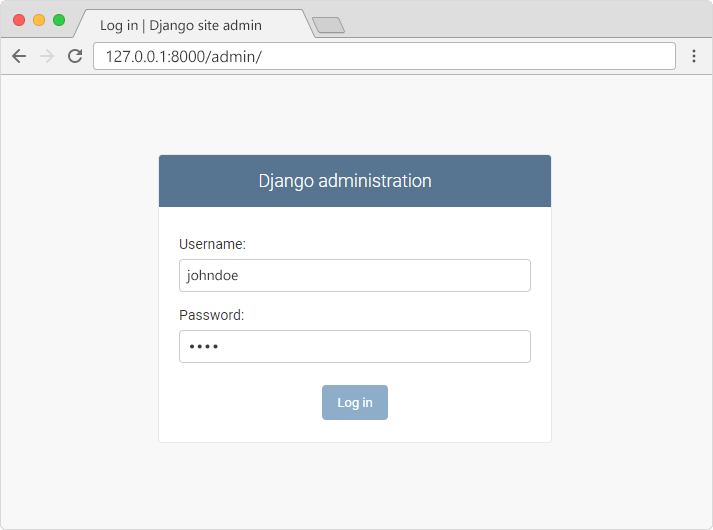
And fill in the form with the correct username and password:
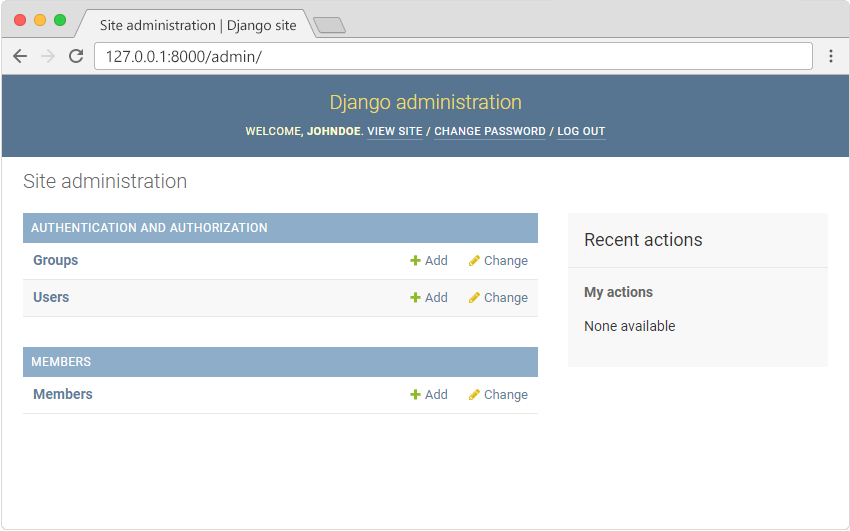
Which should result in this interface:
Add Members
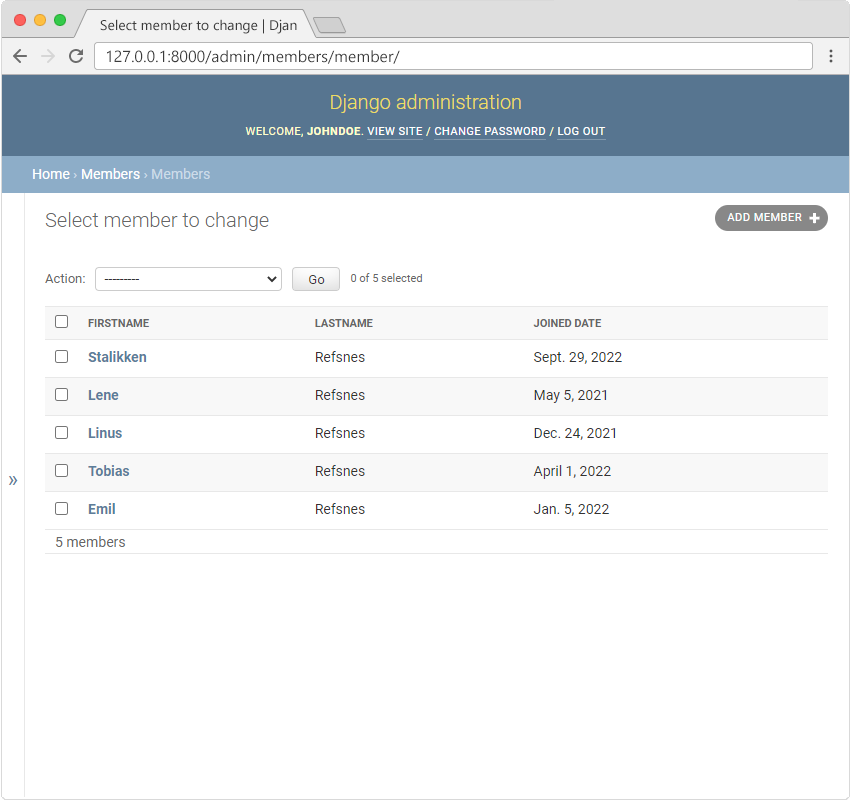
When you are in the admin interface, click the "Add" button for "Members", and start inserting new members until you have a list like this:
My Tennis Club
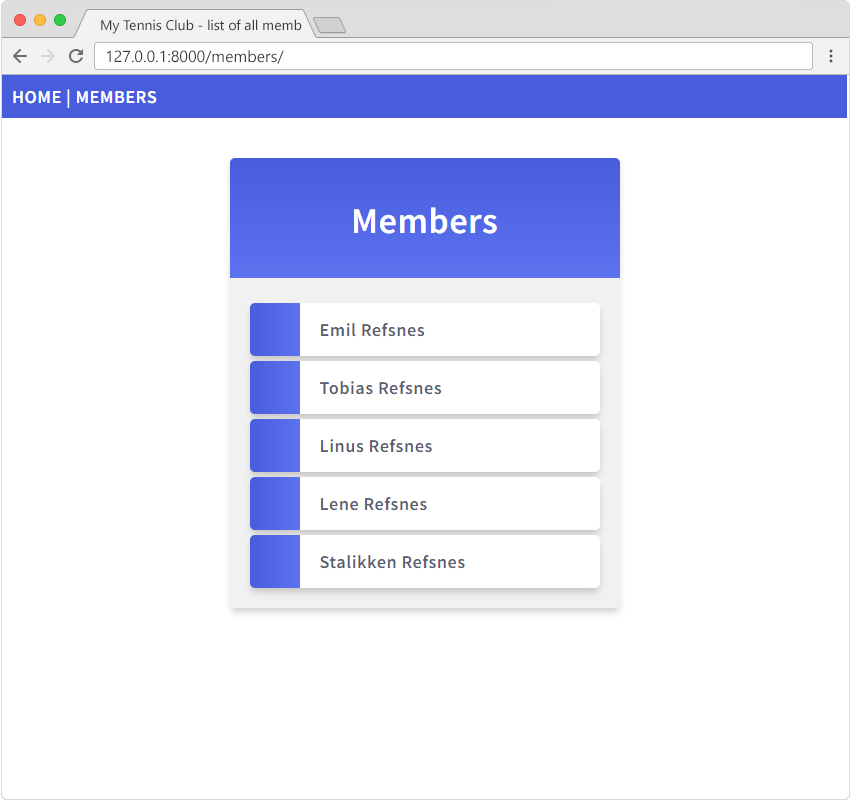
In the browser window, type 127.0.0.1:8000/members in the address bar.
And once again you have a Tennis Club page with 5 members!
Next: let's deploy this project, so that the whole world can see it!