Make the List Display More Reader-Friendly
When you display a Model as a list, Django displays each record as the string representation of the record object, which in our case is "Member object (1)", "Member object(2)" etc.:
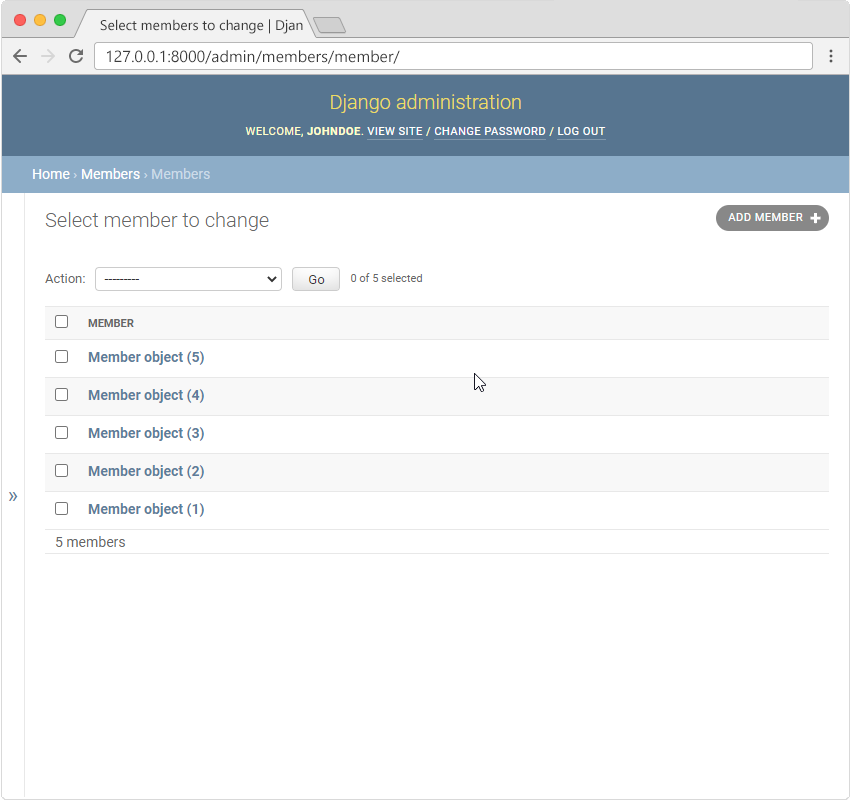
To change this to a more reader-friendly format, we have two choices:
- Change the string representation function,
__str__()of the Member Model - Set the
list_displayproperty of the MemberAdmin class
Change the String Representation Function
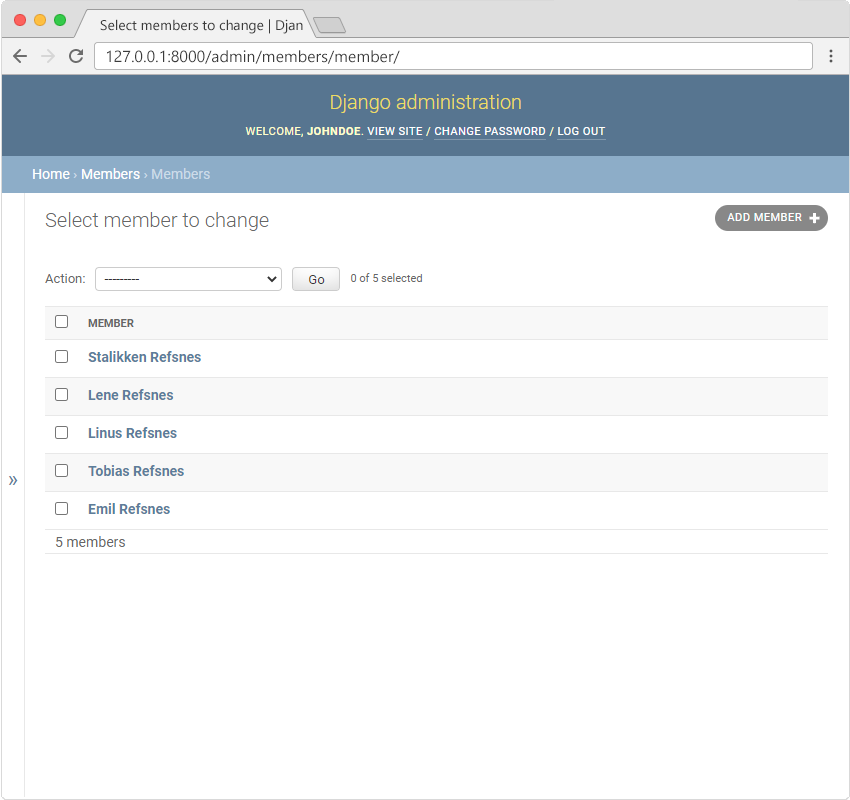
To change the string representation, we have to define the __str__() function of the Member Model in models.py, like this:
from django.db import models

class Member(models.Model):
  firstname = models.CharField(max_length=255)
  lastname = models.CharField(max_length=255)
  phone = models.IntegerField(null=True)
  joined_date = models.DateField(null=True)

  def __str__(self):
    return f"{self.firstname} {self.lastname}"
Which gives us this result:
Note: Defining our own
__str__()function is not a Django feature, it is how to change the string representation of objects in Python. Read more about Python objects in our Python object tutorial.
Set list_display
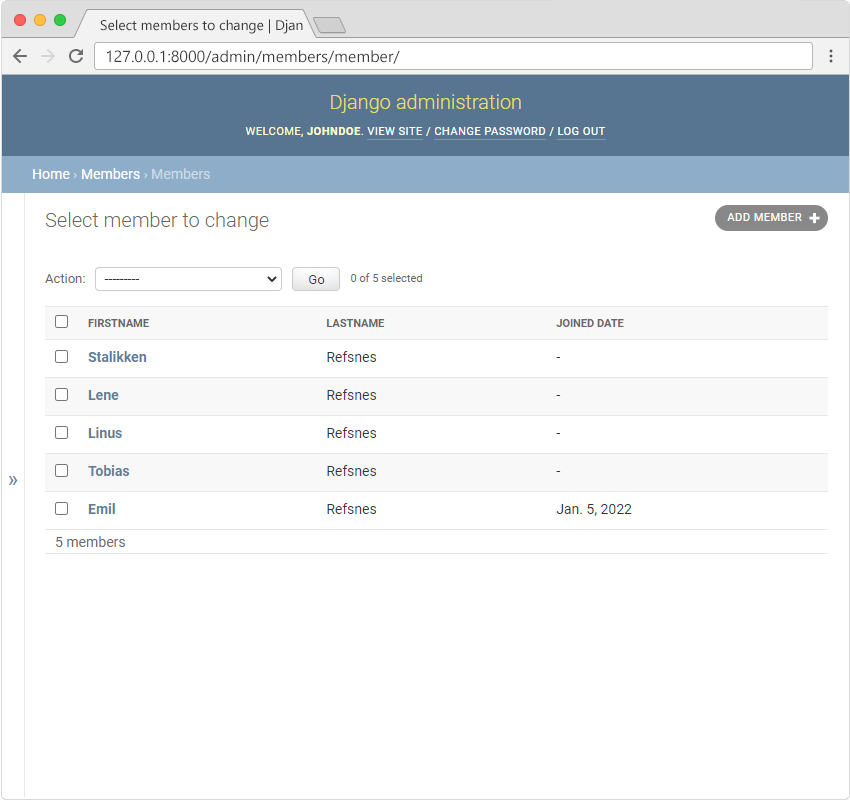
We can control the fields to display by specifying them in a list_display property in the admin.py file.
First create a MemberAdmin() class and specify the list_display tuple, like this:
from django.contrib import admin
from .models import Member

# Register your models here.

class MemberAdmin(admin.ModelAdmin):
  list_display = ("firstname", "lastname", "joined_date",)

admin.site.register(Member, MemberAdmin)
Remember to add the MemberAdmin as an argumet in the admin.site.register(Member, MemberAdmin).
Now go back to the browser and you should get this result: