Learn how to style images using CSS.
Rounded Images
You can use the border-radius property to create rounded images:

Example
img {
  border-radius: 8px;
}
Example
img {
  border-radius: 50%;
}
Tip: Look at the CSS Image Shapes chapter to learn how to shape (clip) images to circles, ellipses and polygons.
Thumbnail Images
Use the border property to create thumbnail images:
Example
img {
  border: 1px solid #ddd;
  border-radius: 4px;
  padding: 5px;
  width: 150px;
}
Thumbnail image as a link:
Example
img {
  border: 1px solid #ddd;
  border-radius: 4px;
  padding: 5px;
  width: 150px;
}

img:hover {

  box-shadow: 0 0
2px 1px rgba(0, 140, 186, 0.5);
}
Responsive Images
Responsive images will automatically adjust to fit the size of the screen.
Resize the browser window to see the effect:
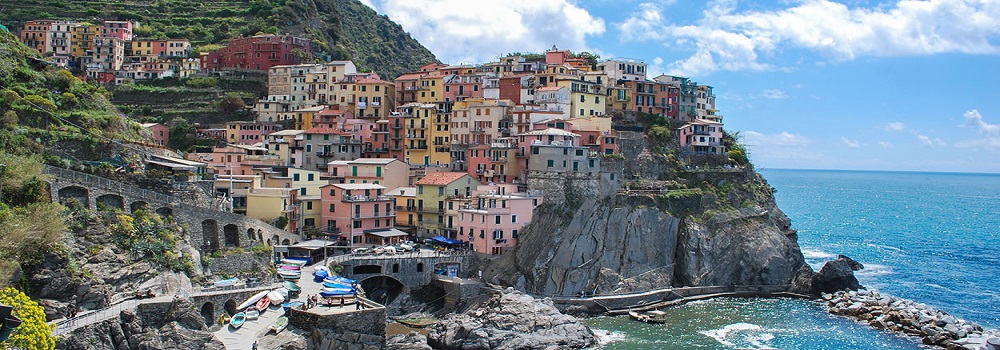
If you want an image to scale down if it has to, but never scale up to be larger than its original size, add the following:
Example
img {
  max-width: 100%;
  height:
auto;
}
Tip: Read more about Responsive Web Design in our CSS RWD Tutorial.
Polaroid Images / Cards
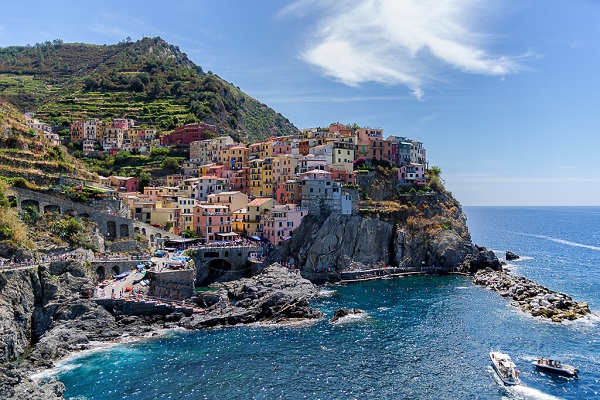
Cinque Terre

Northern Lights
Example
div.polaroid {
  width: 80%;
  background-color: white;
  box-shadow: 0 4px 8px 0 rgba(0,
0, 0, 0.2), 0 6px 20px 0 rgba(0, 0, 0, 0.19);
}

img {width: 100%}

div.container {
  text-align: center;
  padding: 10px 20px;
}
Responsive Image Gallery
CSS can be used to create responsive image galleries. This example use media queries to re-arrange the images on different screen sizes. Resize the browser window to see the effect:
Example
  @media only screen and (max-width: 768px) {
  div.gallery-item {

  width: calc(50% - 20px);
  }
}

@media only screen and (max-width: 480px) {

  div.gallery-item {
    width: calc(100% - 20px);
  }
}
Tip: Read more about Responsive Web Design in our CSS RWD Tutorial.