Change Platform:
Add to Someone Else's Repository
At the heart of Git is collaboration.
However, Git does not allow you to add code to someone else's repository without access rights.
In these next 3 chapters we will show you how to copy a repository, make changes to it, and suggest those changes be implemented to the original repository.
At the end of these chapters, you will have the opportunity to add a message to our public GitHub page: https://w3schools-test.github.io/
Fork a Repository
A fork is a copy of a repository.
This is useful when you want to contribute to someone else's project or start your own project based on theirs.
fork is not a command in Git, but something offered in GitHub and other repository hosts.
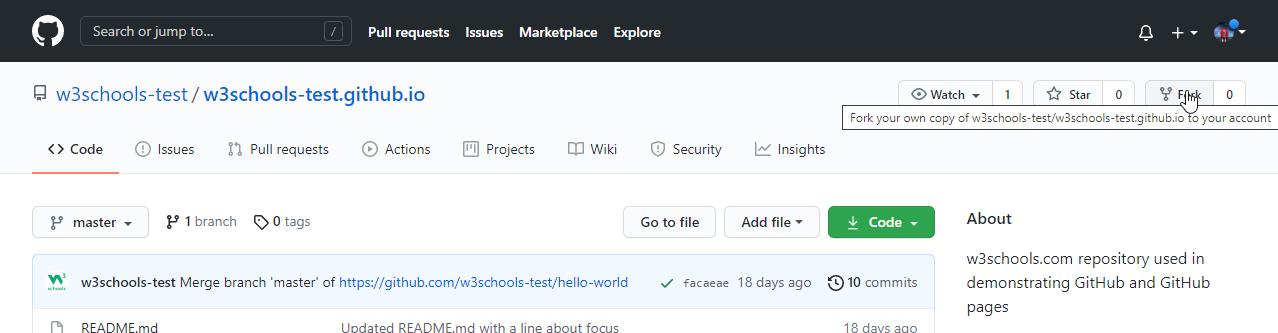
Let's start by logging in to GitHub, and fork our repository: https://github.com/w3schools-test/w3schools-test.github.io
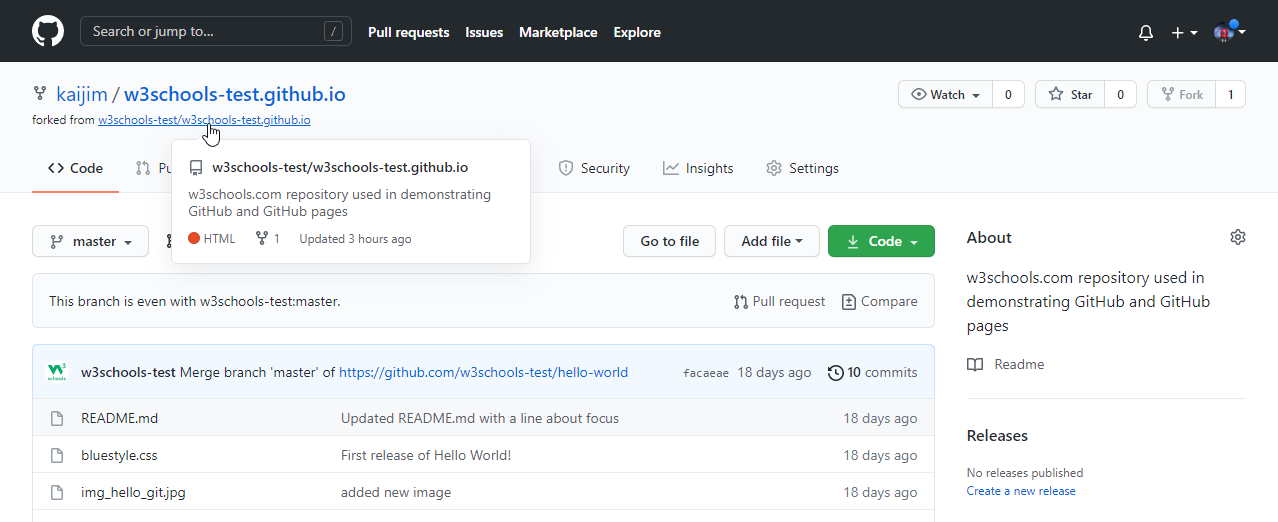
Now we have our own copy of w3schools-test.github.io:
Now let's look at how we add a local copy of this for us to work with.